
Inside HeavenRise
Designed around your daily rhythm.
A simple experience that gives you a reason to come back, without making faith feel like another task.
Step 1 · Getting started
Start with a few honest questions.
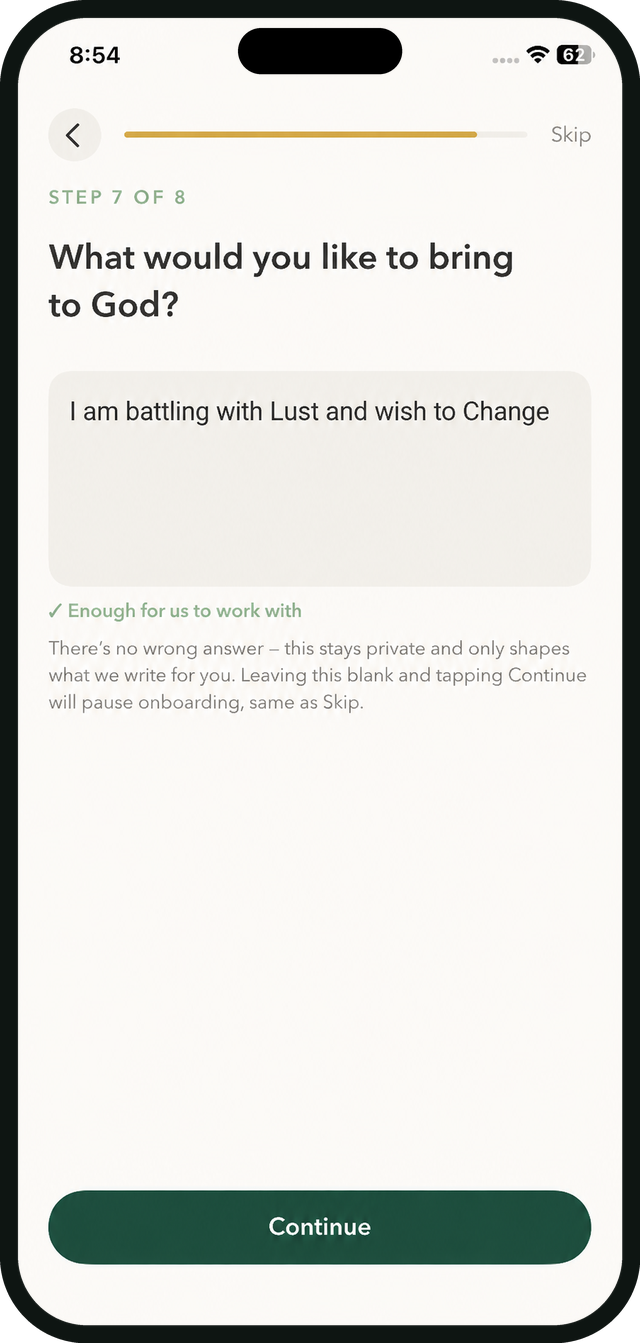
Before your first devotional, HeavenRise asks a handful of simple questions: where you are in your faith, what you would like to bring to God, and what you would like to change. There is no wrong answer. It stays private and only shapes what we write for you.
Short guided setup
Your Bible translation
Devotional length
Reminder time
Step 2 · Every morning
Your devotional, written around you.
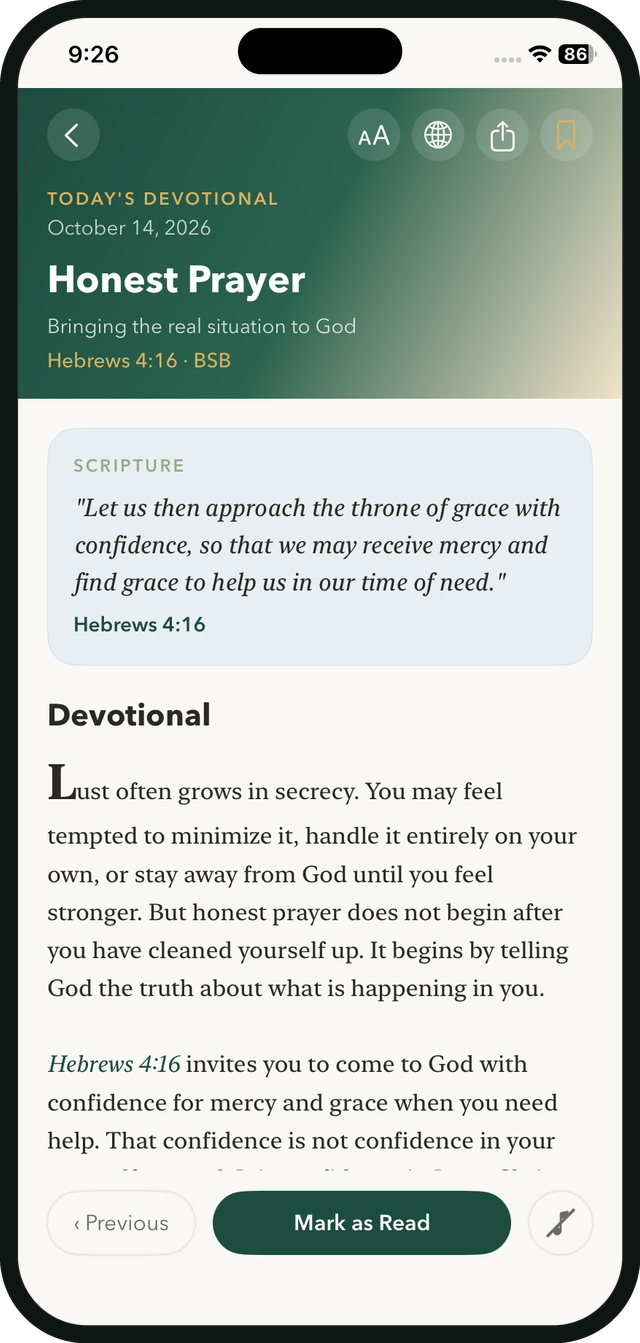
Scripture, a reflection and a prayer shaped by what you shared. Change the text size, read in your Bible translation, share it with a friend, or save it to your archive. When you are done, tap Mark as Read.
Premium
Personalized to you
Text size + translation
Mark as read
Audio Bible
Read it. Listen to it.
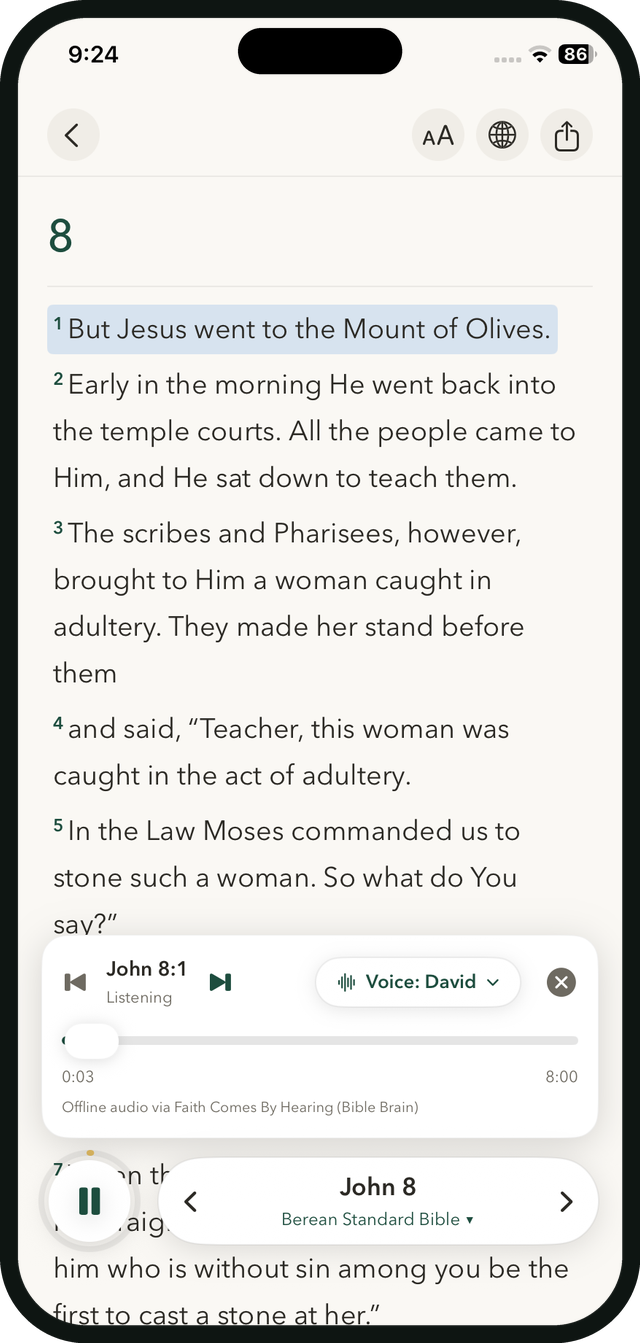
Press play on any chapter and follow along as each verse lights up. Choose a voice, move between verses and keep listening offline. Bible reading and audio are always free.
Free
Verse-by-verse sync
Choose your voice
Offline audio
Audio provided by Faith Comes By Hearing (Bible Brain).
Edit your answers
Seasons change. So does your devotional.
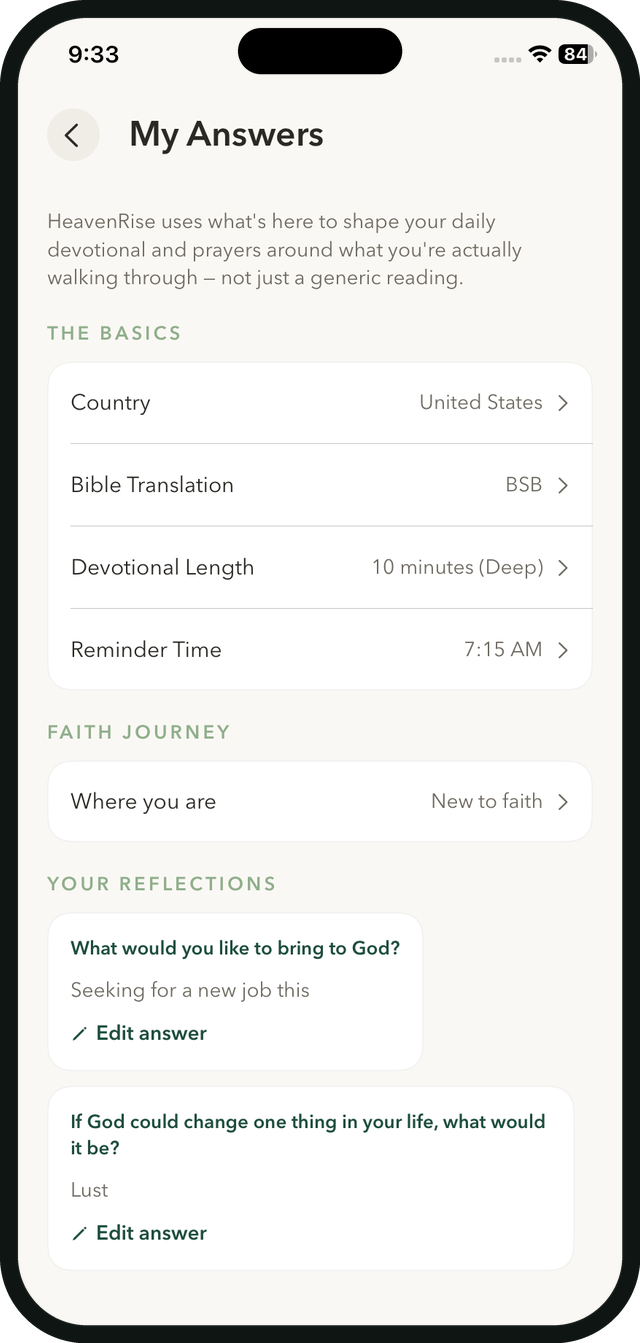
Your answers live in one place. Update your country, translation, devotional length or reminder time, and edit your reflections whenever what you are carrying changes. HeavenRise reshapes your devotional around it.
Premium
Edit any answer
Your answers stay private
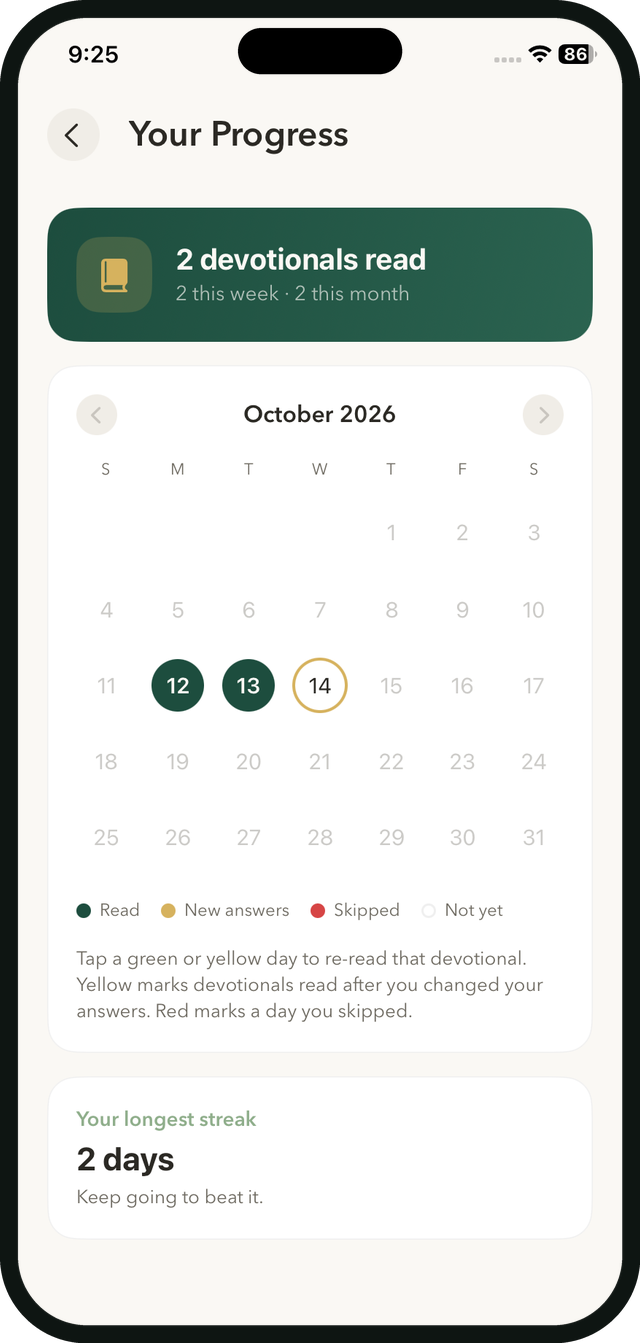
Streak calendar
Watch the habit grow.
Your progress calendar fills in as you read. Green marks a devotional you read, gold marks one read after you changed your answers, and red shows a day you skipped. Tap any green or gold day to re-read it, and see your longest streak.
Premium
Tap a day to re-read
Longest streak
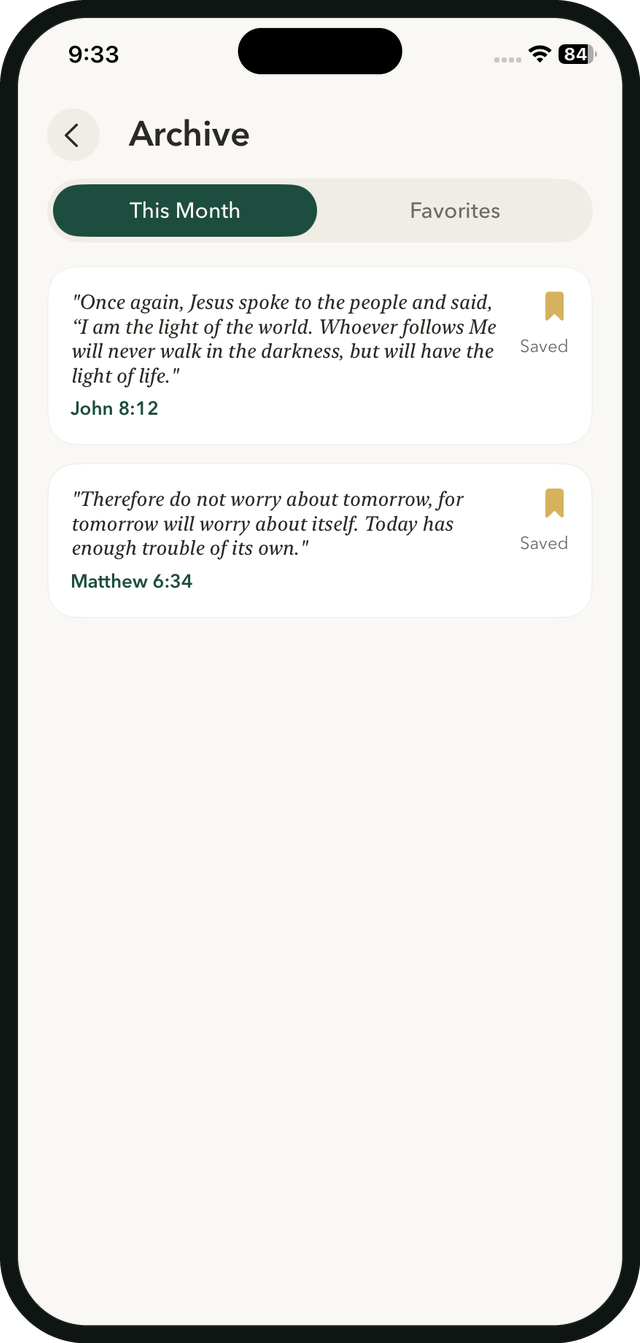
Archive
Keep the verses that spoke to you.
Save any verse and it lands in your Archive, with This Month and Favorites tabs so you can find it again when you need it most.
Free
This Month
Favorites
On your phone
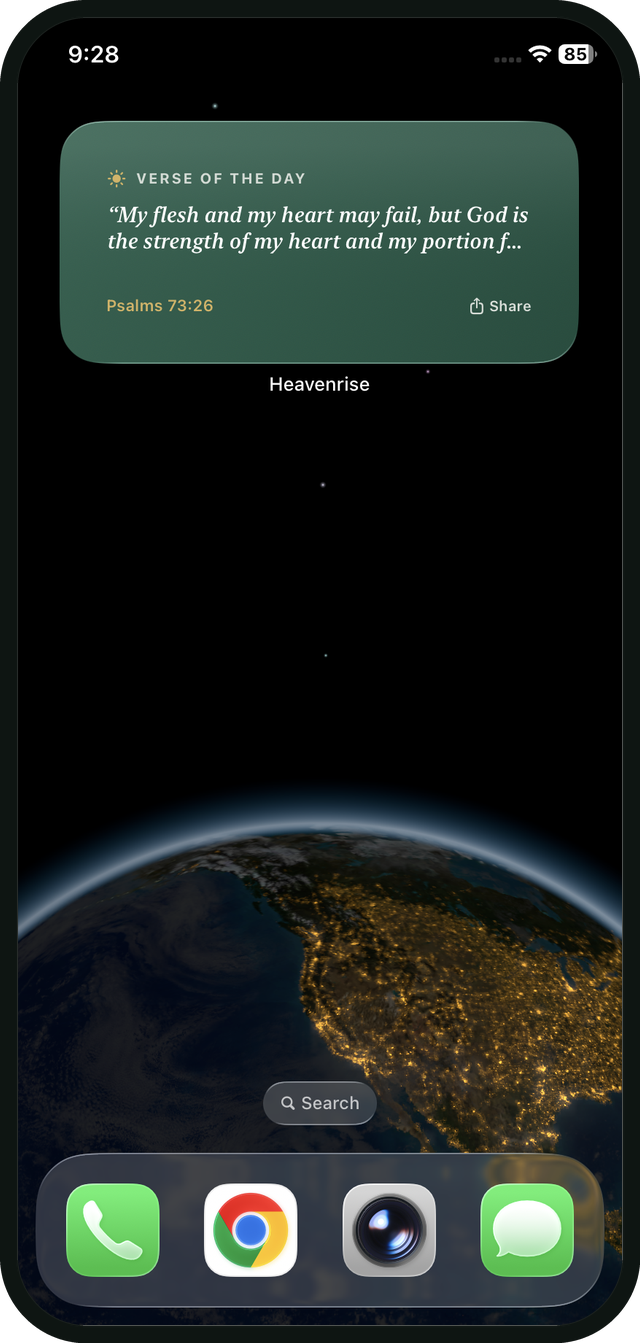
Scripture on your home screen and lock screen.
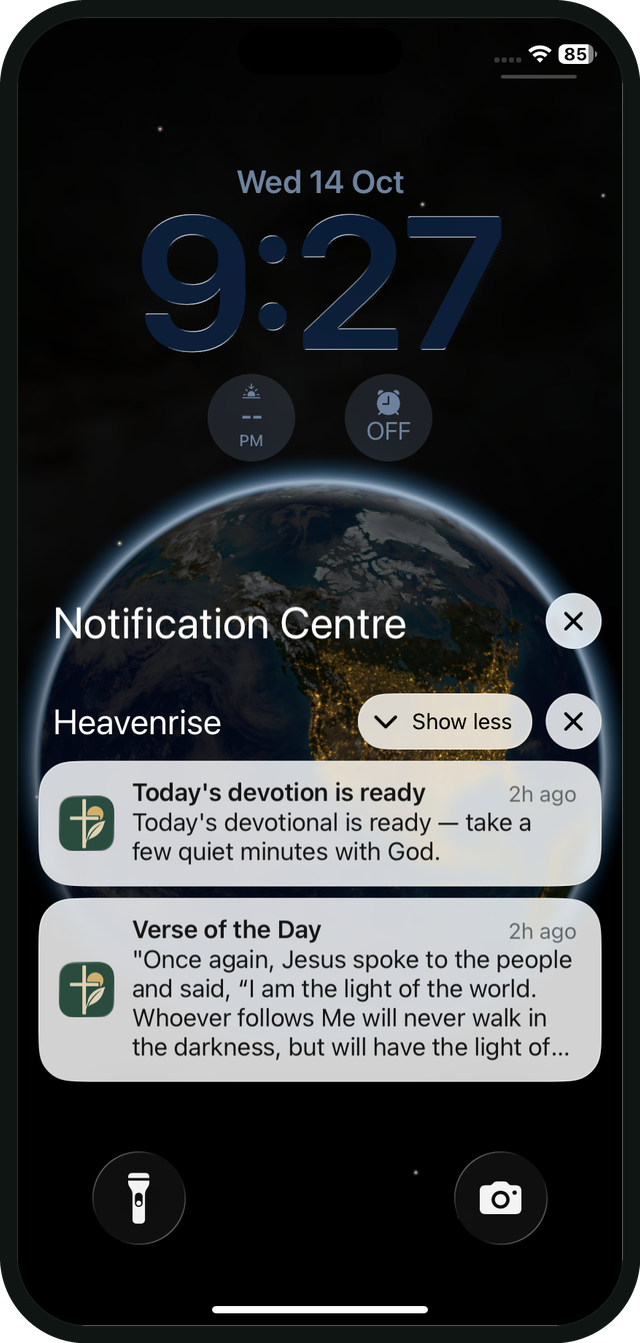
Add the Verse of the Day widget, and get a gentle nudge when today’s devotional is ready.
WIDGET
Verse of the Day
See today’s verse at a glance and share it straight from the widget.
NOTIFICATION
Today’s devotional is ready
A gentle reminder at the time you choose, with the Verse of the Day to start your morning.
YOUR CHOICE
Set your own rhythm
Pick your reminder time in My Answers and change it whenever your mornings change.
Features
Everything inside HeavenRise.
One calm place for your devotional, Scripture, prayer, journal and progress.
Personalized devotionals
A daily devotional built from your own answers.
Audio Bible
Listen to Scripture with verse-by-verse highlighting.
Ask HeavenRise
Talk it through, with Scripture one tap away.
Prayer + journal
Save prayers, mark them answered, write it out or record it.
Guided plans
Multi-day plans for the season you are in.
Streak calendar
See every day you showed up, and tap one to re-read it.
Gentle reminders
A notification when today’s devotional is ready.
Archive
Save the verses that spoke to you and come back to them.
Edit your answers
Update what you are carrying and your devotional follows.
20+ languages
Use HeavenRise in your own language.
Share a verse
Send a verse or a key takeaway to someone you love.
More inside
A closer look.
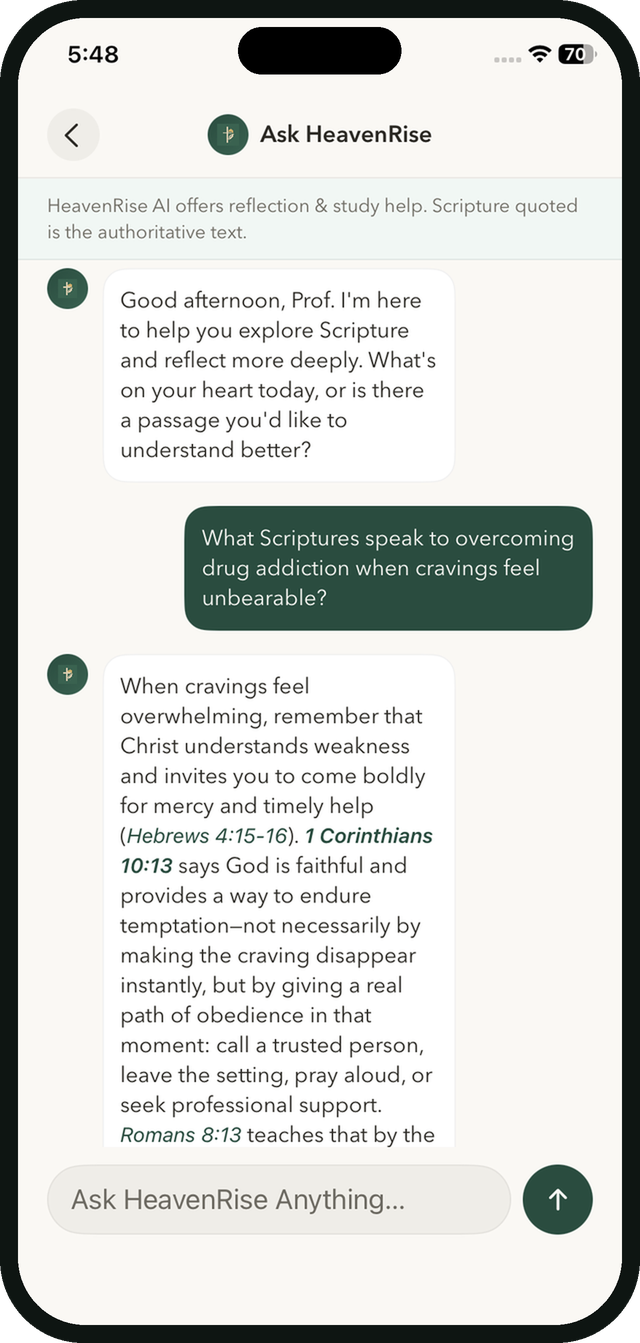
Ask HeavenRise
Talk it through, with Scripture one tap away.
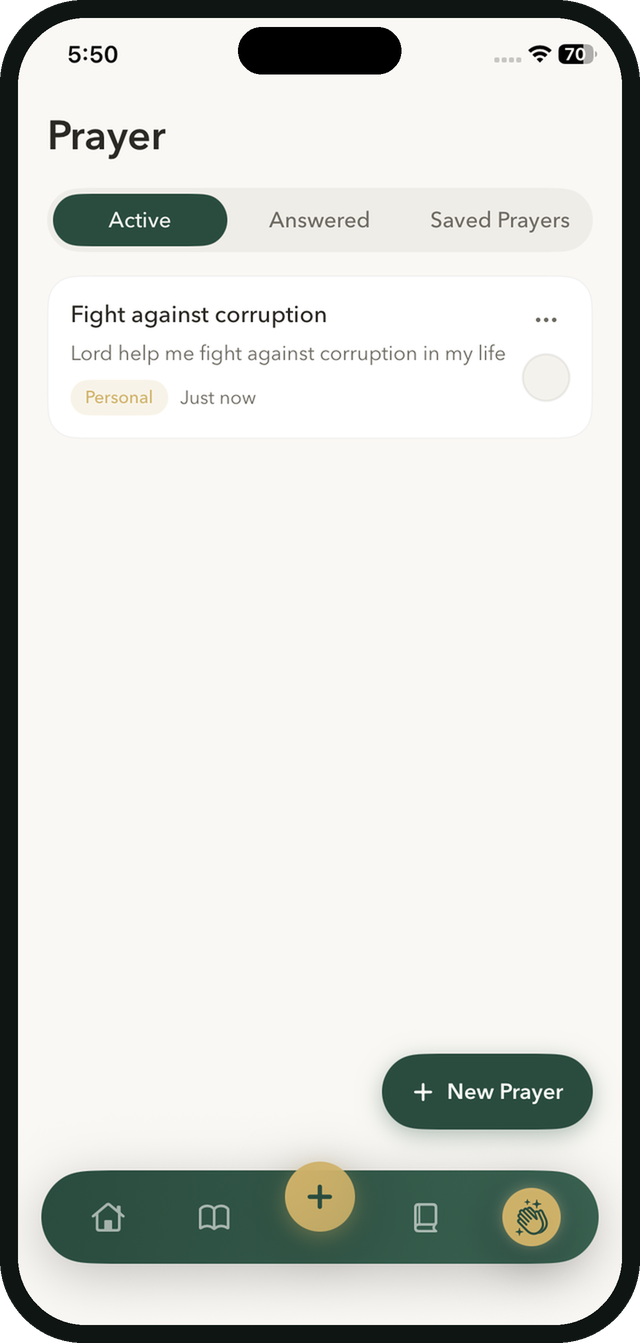
Prayer
Active, Answered and Saved prayers in one place.
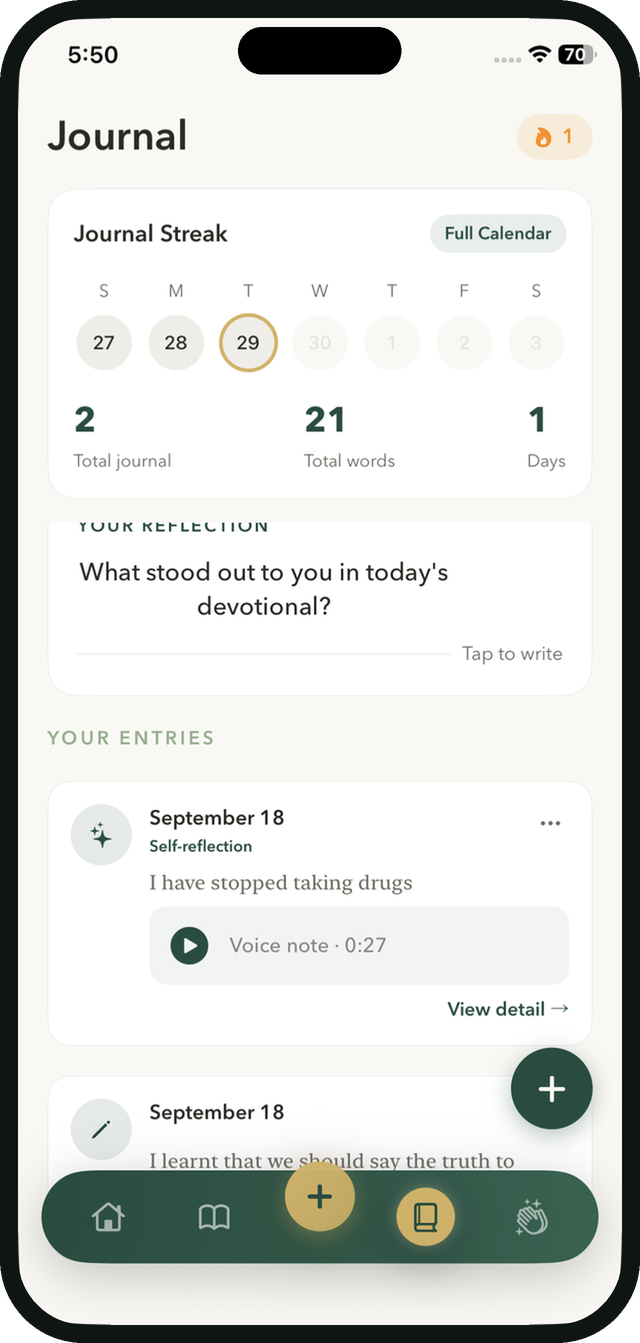
Journal
Write it out, or record a voice note.
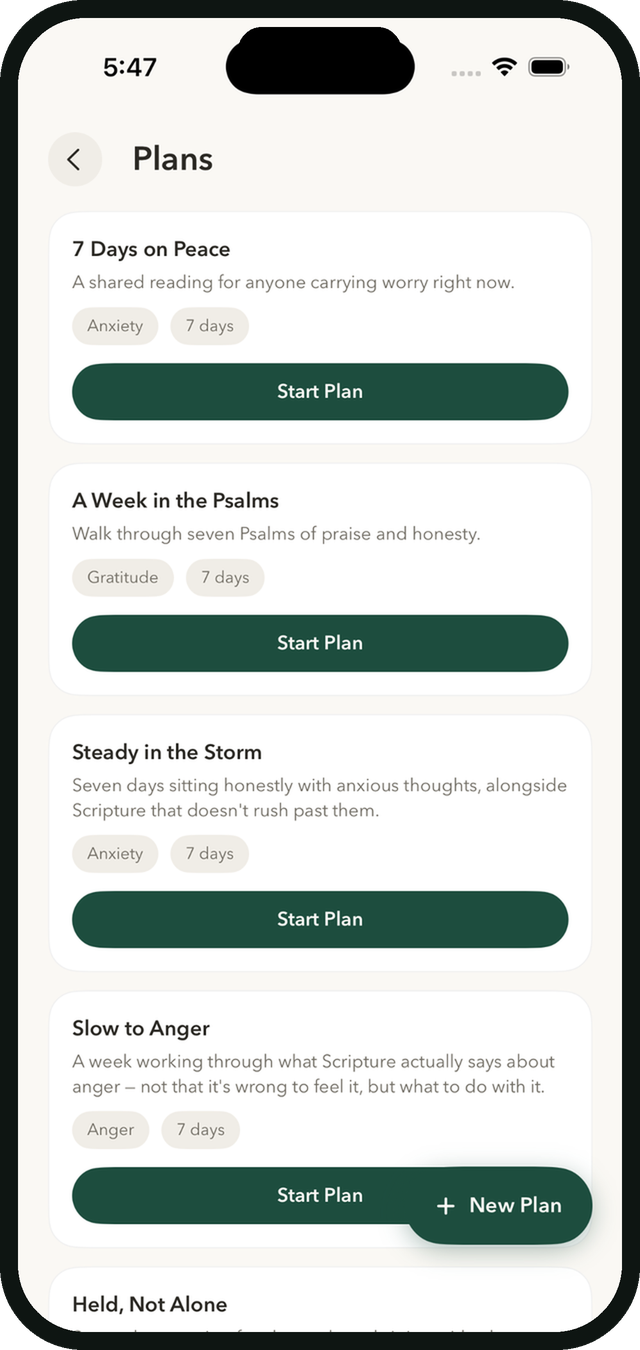
Plans
Guided plans for the season you are in.
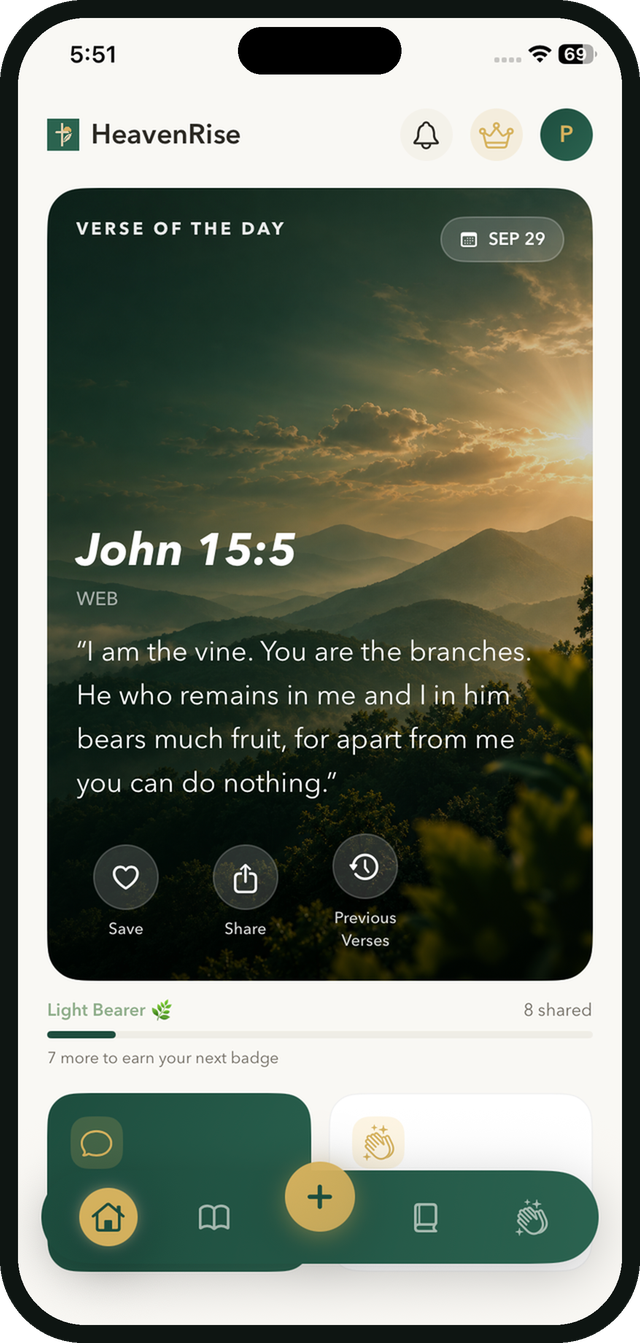
Verse of the Day
A fresh verse each day. Save it or share it.
Ready when you are